
How to Read Wi-Fi RSSI Without Overreacting
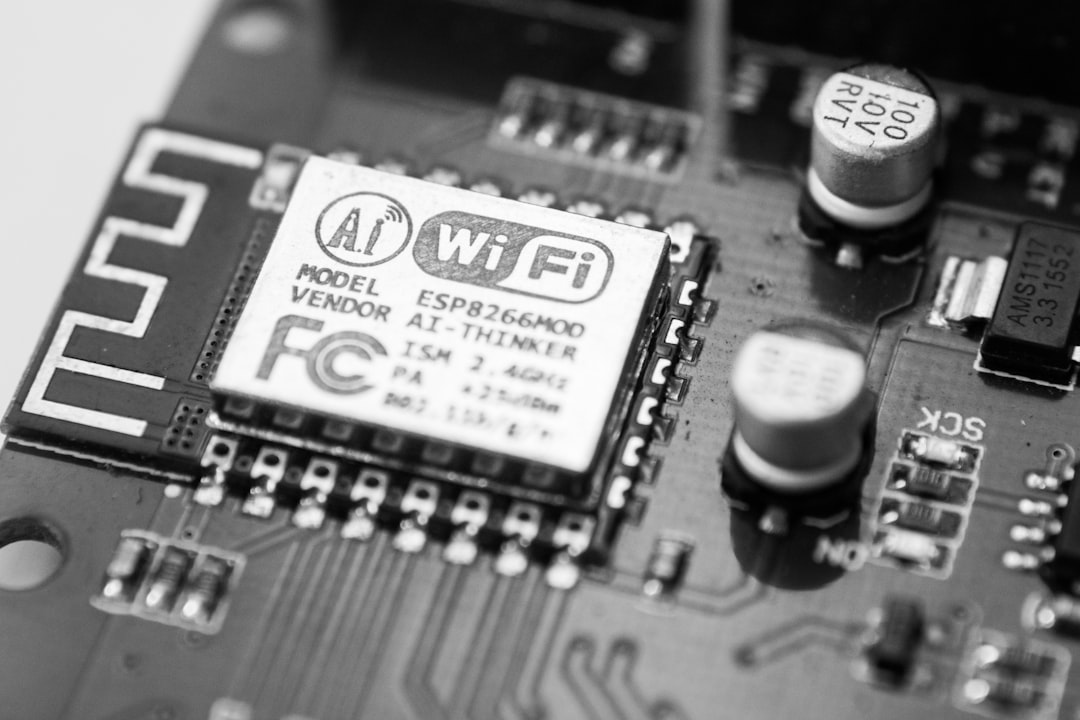
RSSI is a useful signal-strength indicator, but one reading does not capture interference, congestion, or packet loss.
Why it matters
Watch the trend and correlate it with disconnects before deciding that signal level alone is the problem.
What to check
- Measure at the gateway's final location
- Compare busy and quiet times of day
- Improve placement before adding unnecessary network hardware
Read the trend, not one sample
Battery and gateway measurements change with load, charging stage, temperature, and timing. Compare repeated conditions and preserve a known-good baseline before drawing conclusions from a single reading.
The JKBMSR safety boundary
JKBMSR provides remote visibility, history, and alerts. It does not replace the BMS, fuses, contactors, charger controls, or the equipment manufacturer's safety instructions. Any sign of swelling, smoke, unusual odor, rapid heating, damaged wiring, or unstable voltage calls for immediate safe shutdown and qualified inspection.
Practical takeaway
Use the dashboard to turn this topic into a repeatable observation: record the conditions, compare the same measurements over time, and act on persistent changes rather than guesswork.
JKBMSR is an independent remote monitoring solution compatible with JK-BMS products. JKBMSR is not affiliated with, endorsed by, or sponsored by JK-BMS.